Xây dựng file .dockerignore chuẩn: Loại node_modules và bảo vệ file .env
Hướng dẫn .dockerignore cho Node.js, Next.js và React: cú pháp pattern, loại node_modules và .env, phân biệt .gitignore, bảo mật secret, monorepo và kiểm tra build context.
ShanverseUpdated 7 min read— viewsLoading views
Docker
Secret Management
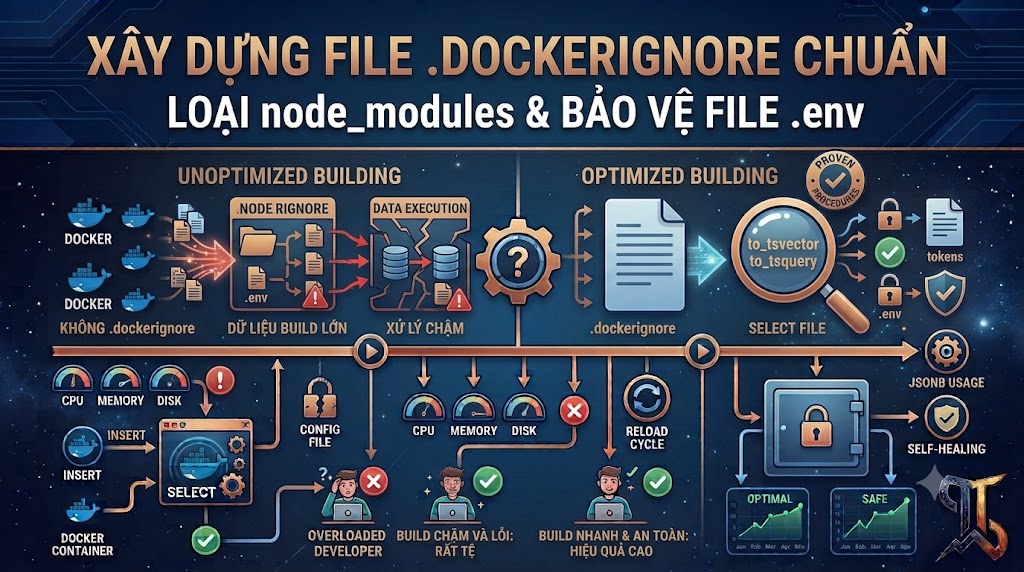
.dockerignore giải quyết vấn đề gì?
Khi chạy:
Dấu . là build context. Builder có thể dùng các file trong context cho COPY, ADD và một số build mount. Nếu context chứa hàng trăm MB node_modules, log, coverage hoặc file môi trường, build có thể:
Comments
Truyền dữ liệu thừa tới builder.
Chậm hơn, đặc biệt với builder từ xa.
Làm cache của COPY mất hiệu lực không cần thiết.
Vô tình copy secret vào layer.
Tạo Image lớn hoặc không tái hiện được.
Copy binary từ host sai OS/architecture.
.dockerignore được áp dụng trước khi context được gửi cho builder.
Mermaid
Loading diagram…
.dockerignore khác .gitignore
Một file đã được Git track không biến mất chỉ vì thêm vào .gitignore:
Nếu .env từng chứa credential thật và đã được push, hãy rotate/revoke secret ngay. Xóa file khỏi commit mới không xóa nó khỏi lịch sử, fork, cache hoặc log.
Mẫu .dockerignore cho Node.js / Next.js / React
Đây là điểm khởi đầu, không phải template copy mù quáng. Nếu build cần docs, .env.example, static output hoặc file cấu hình nào đó, hãy giữ lại chúng.
Vì sao phải bỏ node_modules?
Không nên:
khi context có node_modules từ host. Lý do:
Có thể hàng trăm MB.
Native modules trên macOS/Windows có thể không chạy trong Linux Container.
Dependency có thể khác với lockfile.
Quyền file và symlink có thể không tương thích.
Mọi thay đổi dependency local làm mất build cache.
Nên cài dependency bên trong stage build:
Và .dockerignore:
Loại .env đúng cách
Thứ tự quan trọng. Pattern ! tái đưa file mẫu không chứa secret vào context.
Các file thường cần loại:
Không đặt credential production trong .env.example. Chỉ dùng placeholder:
Dùng BuildKit secret thay vì copy .env
Không nên:
Secret có thể còn trong layer cũ hoặc build cache.
Dùng secret mount:
Build:
Chỉ dùng nếu build thật sự cần secret. Kiểm tra build tool không nhúng giá trị vào client bundle, output hoặc log.
Với React/Vite và các biến public của Next.js, giá trị client-side được đóng gói vào JavaScript và không còn là secret dù tên biến nghe nhạy cảm.
Cú pháp pattern cần biết
Bỏ một file hoặc directory
Bỏ theo extension
Áp dụng ở mọi cấp thư mục
Tái đưa file vào context
Pattern khớp sau cùng có thể quyết định kết quả. Đặt exception sau pattern loại bỏ.
Chỉ giữ file cần thiết bằng allowlist
Allowlist cho context tối thiểu nhưng dễ làm build lỗi khi thêm migration, schema hoặc config mới. Cần test và review cùng Dockerfile.
.dockerignore cho monorepo
Ví dụ:
Nếu build từ root:
Context vẫn là toàn repository. .dockerignore root phải loại output và dependency của mọi workspace:
Có thể dùng Dockerfile-specific ignore file:
Ignore file đặt cạnh Dockerfile với tên <Dockerfile>.dockerignore có thể định nghĩa context phù hợp riêng cho từng build và được ưu tiên so với file root tương ứng.
Đừng ignore lockfile
Sai:
Lockfile là input quan trọng để:
Cài dependency tái hiện được.
Tạo cache boundary ổn định.
Audit dependency.
Dùng npm ci hoặc frozen install.
Dockerfile nên copy manifest trước source:
Tác động đến Build Cache
Nếu context chứa file generated thay đổi liên tục:
COPY . . có thể cache miss dù source không đổi. Loại chúng giúp cache ổn định hơn.
Tốt hơn nữa, chia COPY:
.dockerignore và thứ tự Dockerfile bổ trợ nhau; không cái nào thay thế cái còn lại.
File nào không nên bỏ mặc định?
Tùy ứng dụng, thường cần giữ:
package.json và lockfile.
Source code.
tsconfig.json và framework config.
public/ hoặc static assets.
Database migrations/schema.
Runtime templates.
.env.example không chứa secret.
CA certificate tùy chỉnh nếu thực sự cần.
Không ignore file chỉ vì “trông giống config”; xác định nó dùng ở build hay runtime.
Kiểm tra context thực tế
Xem output BuildKit:
Tìm dòng truyền build context và so sánh trước/sau khi thêm .dockerignore.
Kiểm tra Image:
Nếu Image có shell, có thể kiểm tra file bất ngờ:
Không coi lệnh này là bằng chứng tuyệt đối: secret có thể nằm trong layer cũ, binary, source map hoặc metadata. Dùng image/layer scanner trong CI và review Dockerfile.
Đồng bộ .gitignore và .dockerignore
.gitignore gợi ý:
Không cần hai file giống hoàn toàn:
Git có thể giữ Dockerfile, docs và test.
Docker context có thể không cần docs, test hoặc CI config.
Build có thể cần file được Git theo dõi.
Hãy chia sẻ nguyên tắc chung, nhưng tối ưu theo mục đích từng công cụ.
Các lỗi phổ biến
Nghĩ .dockerignore ngăn git push
Sai. Dùng .gitignore, secret scanning và pre-commit/CI checks.
Chỉ ignore .env
Các biến thể như .env.local và .env.production vẫn lọt vào context. Dùng .env.* và exception cho file mẫu.
Ignore quá rộng
Có thể loại package.json, lockfile hoặc config cần thiết.
Copy secret rồi xóa sau
Layer trước vẫn có thể chứa secret.
Dựa vào template mà không kiểm tra build
Mỗi framework/monorepo có runtime contract khác nhau.
Cho rằng file không được COPY thì an toàn
File vẫn có thể được gửi trong context đến builder hoặc dùng bởi broad COPY. Loại secret khỏi context ngay từ đầu.
Checklist production
.dockerignore nằm đúng build context.
node_modules và **/node_modules bị loại.
.env và .env.* bị loại.
.env.example chỉ chứa placeholder và được giữ lại nếu cần.
.git, coverage, log, cache và local output bị loại.
Lockfile không bị ignore.
Dockerfile copy dependency manifests trước source.
Secret build dùng BuildKit secret mount.
.gitignore cũng bảo vệ file local khỏi Git.
Credential từng bị lộ đã được rotate.
CI scan secret và Image layers.
Build context size được theo dõi.
Tổng kết
Một .dockerignore tốt thực hiện ba nhiệm vụ:
Tăng tốc build bằng cách giảm context và cache invalidation.
Giảm rủi ro bằng cách loại .env, key và credential khỏi builder.
Tăng tính tái hiện bằng cách không copy dependency/output từ máy host.
Table of contents(27)
Codebash
1dockerbuild-tmy-app.
Codedocker
1COPY . .
Codedocker
1FROM node:22-bookworm-slim AS deps2WORKDIR /app3COPY package.json package-lock.json ./4RUN --mount=type=cache,target=/root/.npm npm ci
1# syntax=docker/dockerfile:12RUN --mount=type=secret,id=app_env,target=/run/secrets/app_env \3 set -a && . /run/secrets/app_env && set +a && npm run build
1# Dependencies installed for the host2node_modules3**/node_modules45# Environment files and local secrets6.env7.env.*8!.env.example9!.env.template1011# Framework/build outputs12.next13out14dist15build16coverage17.nyc_output1819# Caches20.cache21.parcel-cache22.turbo23.vite24.eslintcache25*.tsbuildinfo2627# Logs and runtime files28*.log29npm-debug.log*30yarn-debug.log*31yarn-error.log*32pnpm-debug.log*33*.pid34*.pid.lock3536# Version control and editor files37.git38.gitignore39.vscode40.idea41*.swp42.DS_Store43Thumbs.db4445# Local Docker/Compose overrides46compose.override.yaml47docker-compose.override.yml4849# Documentation not required by the build50docs51coverage-report
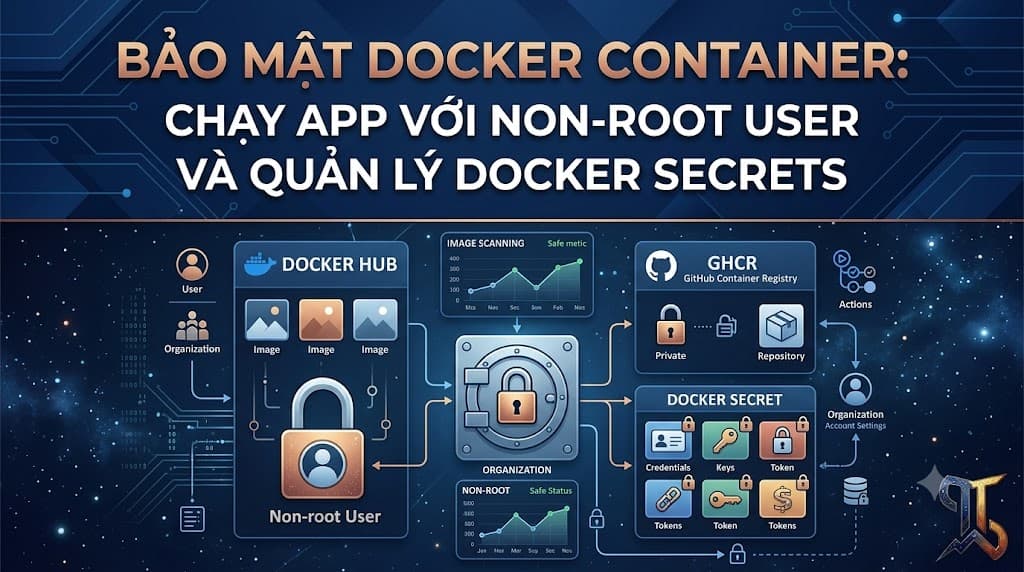
Hướng dẫn bảo mật Docker Container với Non-root User và Docker Secrets: USER, COPY --chown, BuildKit secret mounts, Compose secrets, rotation, least privilege và kiểm tra Image.
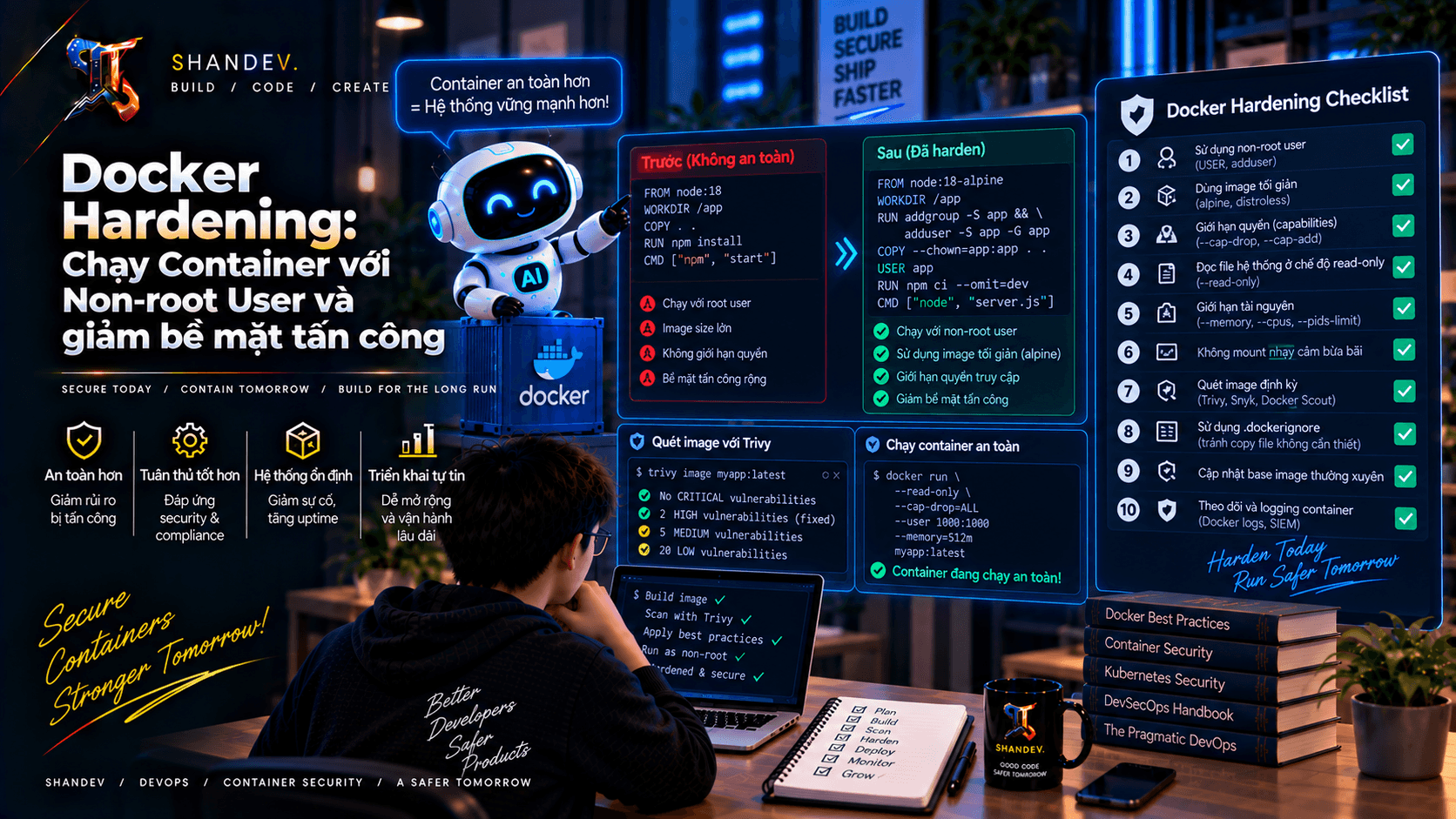
Hướng dẫn Docker Hardening thực tế với non-root user, multi-stage builds, minimal image, read-only filesystem, Linux capabilities, seccomp, scanning và supply-chain security.
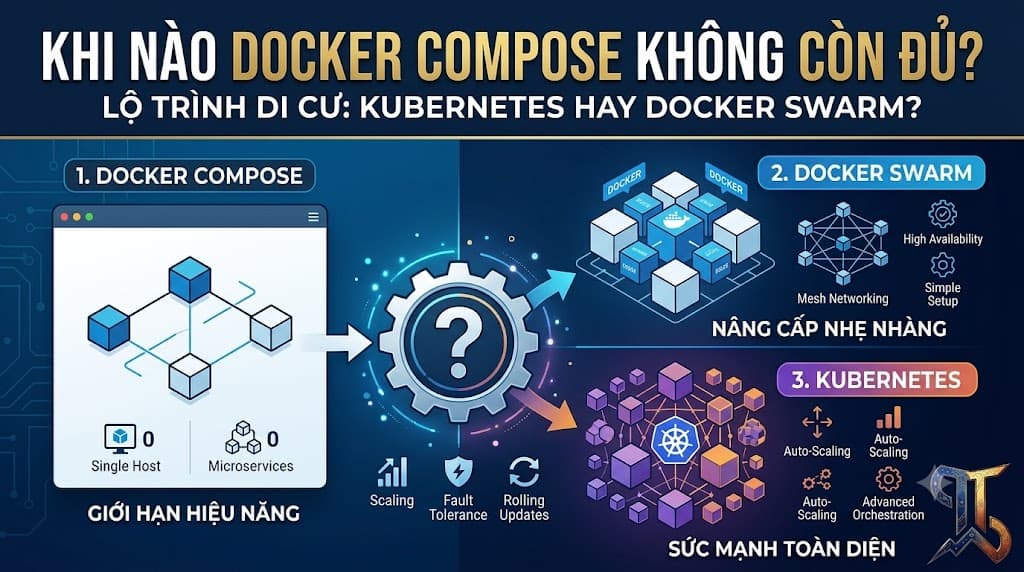
Docker Compose khi nào không còn đủ? So sánh Kubernetes và Docker Swarm về multi-host, self-healing, scaling, rolling update, networking, secrets và lộ trình migration production.